Grow SensorComing very soon
Crop steering with OpenSprinkler
Grow Sensor's steering software decides every shot from your readings, and an 8-zone OpenSprinkler controller opens your 24 VAC valves, even when the internet drops.
- 8 zones, up to 72
- 24 VAC solenoid valves
- Wi-Fi 6 or wired Ethernet
- Keeps watering offline
Why steer
More yield from every room.
Watering timed to what the plant needs at each stage, every day, without a specialist on the valves.
- More yield
- 20–50 %
- Expect a 20 to 50 % increase in yield, depending on your starting point and skill level.
Denser flowers
Drybacks set for each phase push the plant to finish dense and heavy.
Runs that repeat
One programme per recipe, so a good run happens again, room after room.
No watering rounds
The shots go out on their own. Hand-watering becomes a choice, not a job.
Less runoff
Shots sized to your flow rate, pot and medium, so less feed goes down the drain.
Steering styles
Crop steering for everyone.
Tell Grow your flow rate, pot size and medium, then pick a style from very generative to very vegetative. Grow sizes every shot, times the first and last, and targets the How far the substrate's water content falls from the last shot of the day to the first of the next, as a share of the peak..
Balanced
Steady growth, steady drybacks. A safe place to start.
- First shot
- 1.5 h after lights on
- Last shot
- 3 h before lights off
- Overnight dryback
- 22 %
- Shots a day
- 8
Example programmes for a 12/12 flower room in coco. An advanced section lets you change any setting by hand.
Recipe phases
A style for every phase.
Give any phase of your recipe its own steering style. When the room moves from stretch to bulk, the irrigation moves with it.
Steering
Vegetative
Dryback
16 %
Steering
Generative
Dryback
28 %
Steering
Balanced
Dryback
22 %
Steering
Very generative
Dryback
35 %
Example recipe for Flower 2, now in stretch. Dryback is the overnight target for each style.
AI feedback
Talk to your steering programme.
Tell it what you see in the room, in your own words. It checks your readings, suggests a change and tells you why.
Flower 2 · Generative
Flower 2 is stretching more than I'd like.
Overnight dryback has averaged 19 % this week, under the 28 % target. I'd move the first shot 30 minutes later and the last shot an hour earlier, in Flower 2 only.
Reliability
Keeps watering when the internet doesn't.
Runs on the controller
Grow sends each day's programme the day before, and OpenSprinkler runs it on its own. If the Wi-Fi drops or Grow goes offline, every shot still goes out on time.
Reacts as it happens
Online, Grow adjusts the day's programme from your readings as they arrive. If a hot afternoon dries the substrate faster than planned, the next shot comes sooner.
OpenSprinkler · Flower 2
- Grow
- Offline since 13:42
- Programme
- Running
- Next shot
- 14:20 · zones 1–4
Safeguards
Built not to flood a room.
If a probe fails
The previous schedule keeps running. If a reading looks badly wrong, the programme falls back to its standard schedule.
Alerts when it matters
A missed shot, a controller offline, a dryback outside target: Grow tells you straight away.
Your hands, any time
Pause steering, run a zone or flush by hand whenever you like, or change the programme live through the AI.
Alerts · Grow
Missed shot
Flower 2 · zone 3 · 14:20
Dryback outside target
Flower 1 · 31 % vs 22 %
Controller offline
Veg · since 09:12
Setup
What you need to steer.
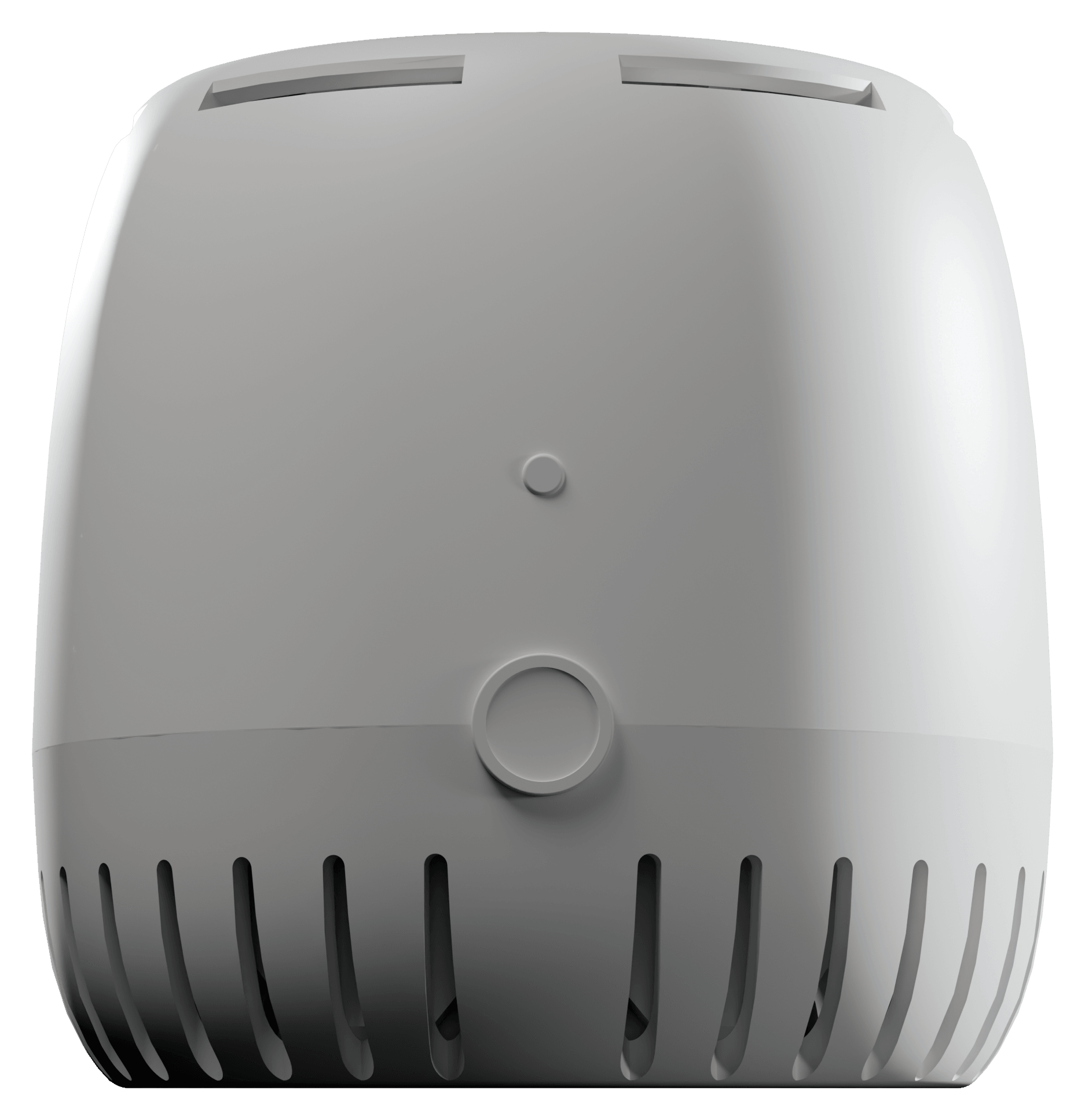
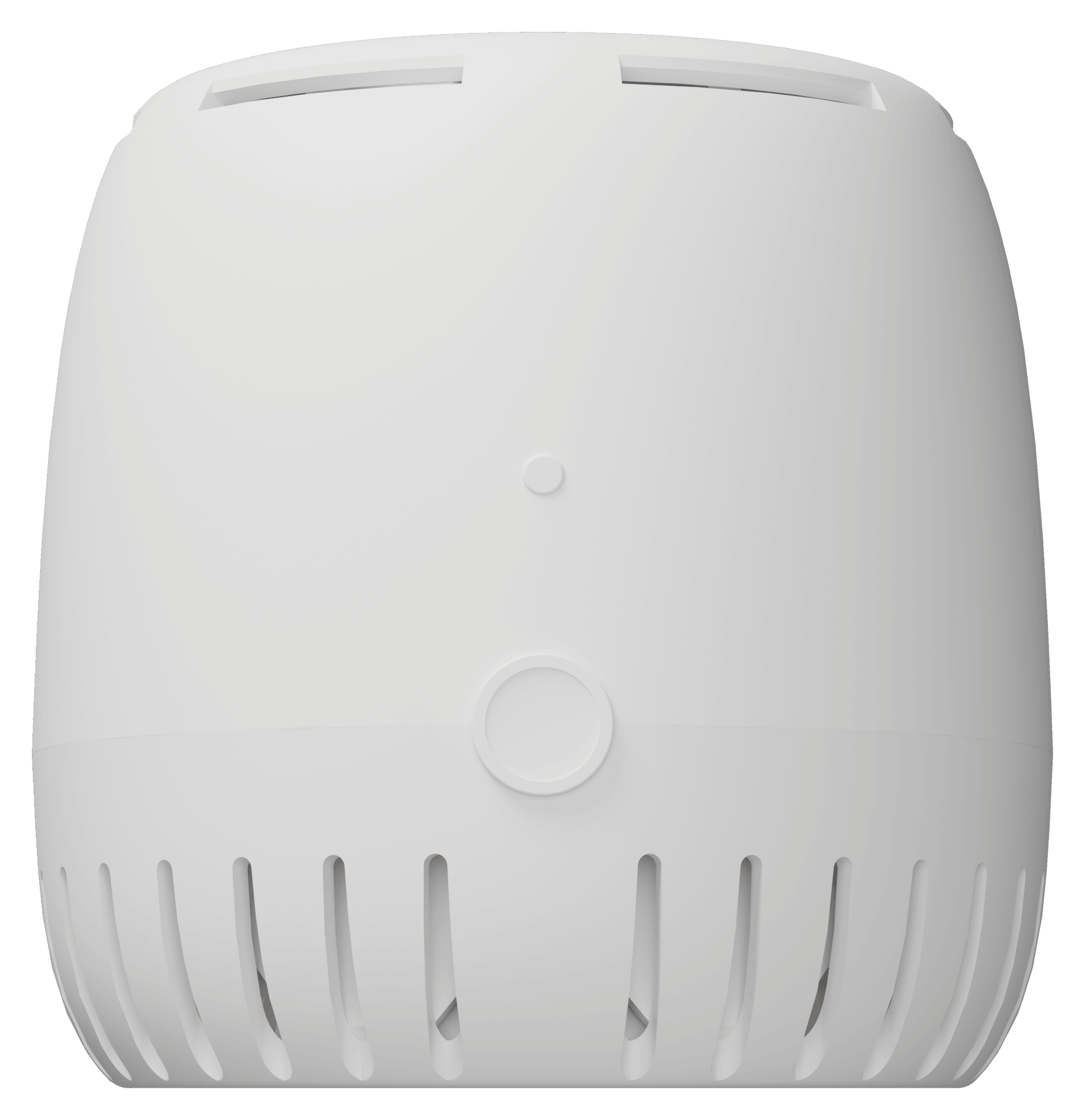
Grow Sensor PRO
Reads the room and, through its substrate probe, the root zone. Grow Plus or GrowOps runs the steering.
See the PRO

A substrate probe per zone
SubSense or SOLYX 14, at least one in every zone. For tight steering, one per 100 sq ft (9.3 m²).
See SubSense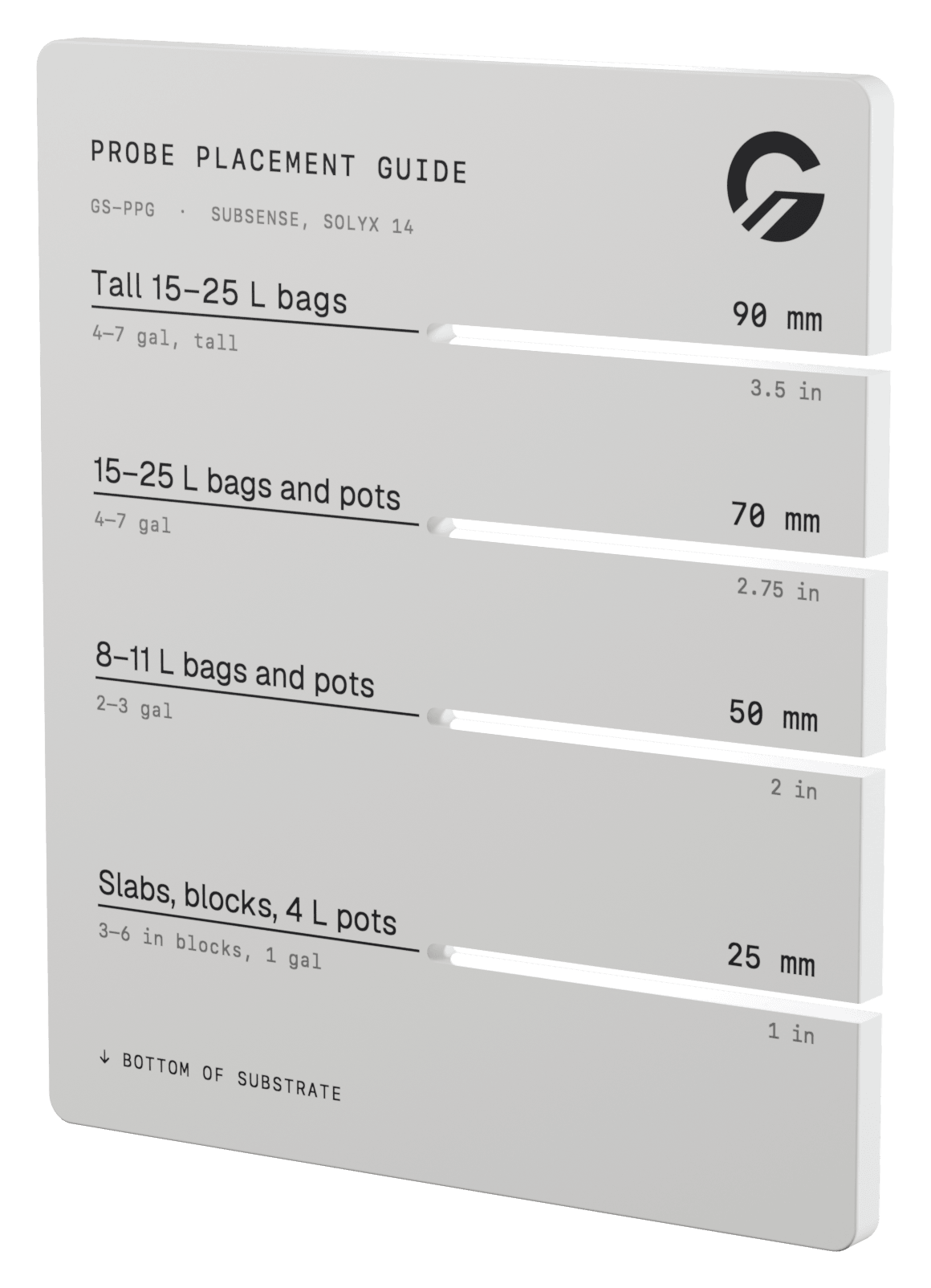
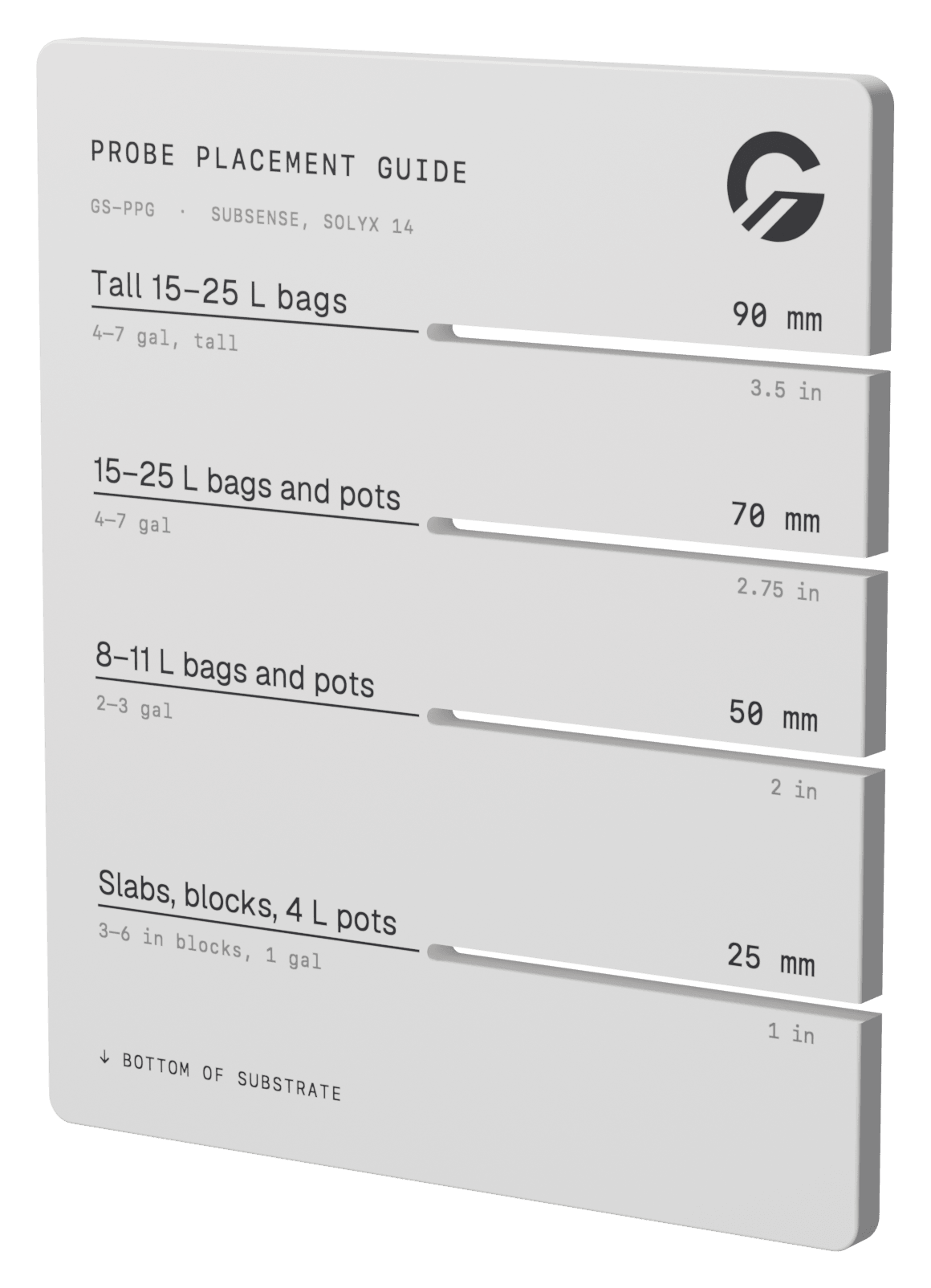
Probe Placement Guide
Every probe at the same height, so drybacks compare plant to plant. Steering is only as good as the placement.
See the guide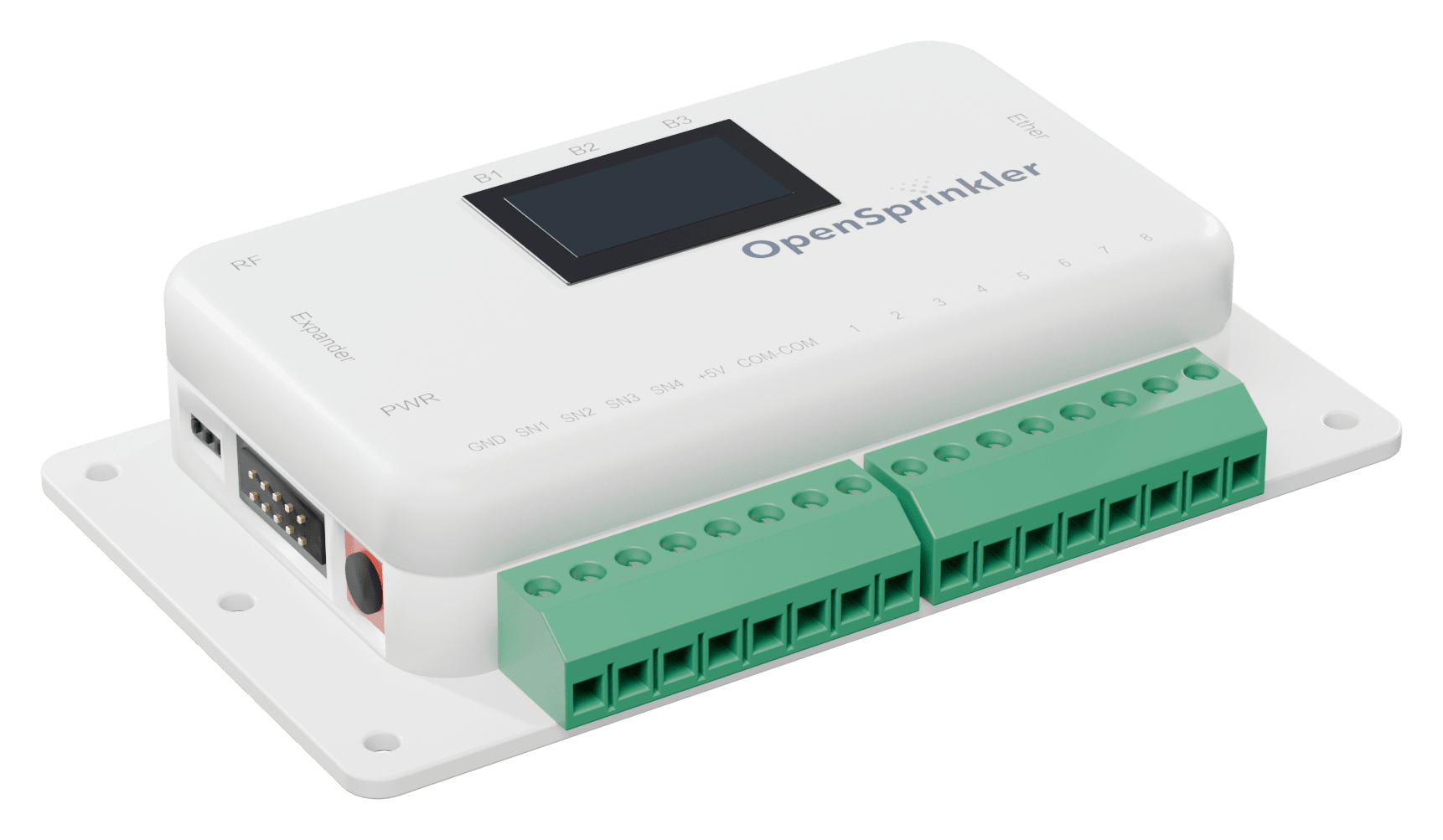
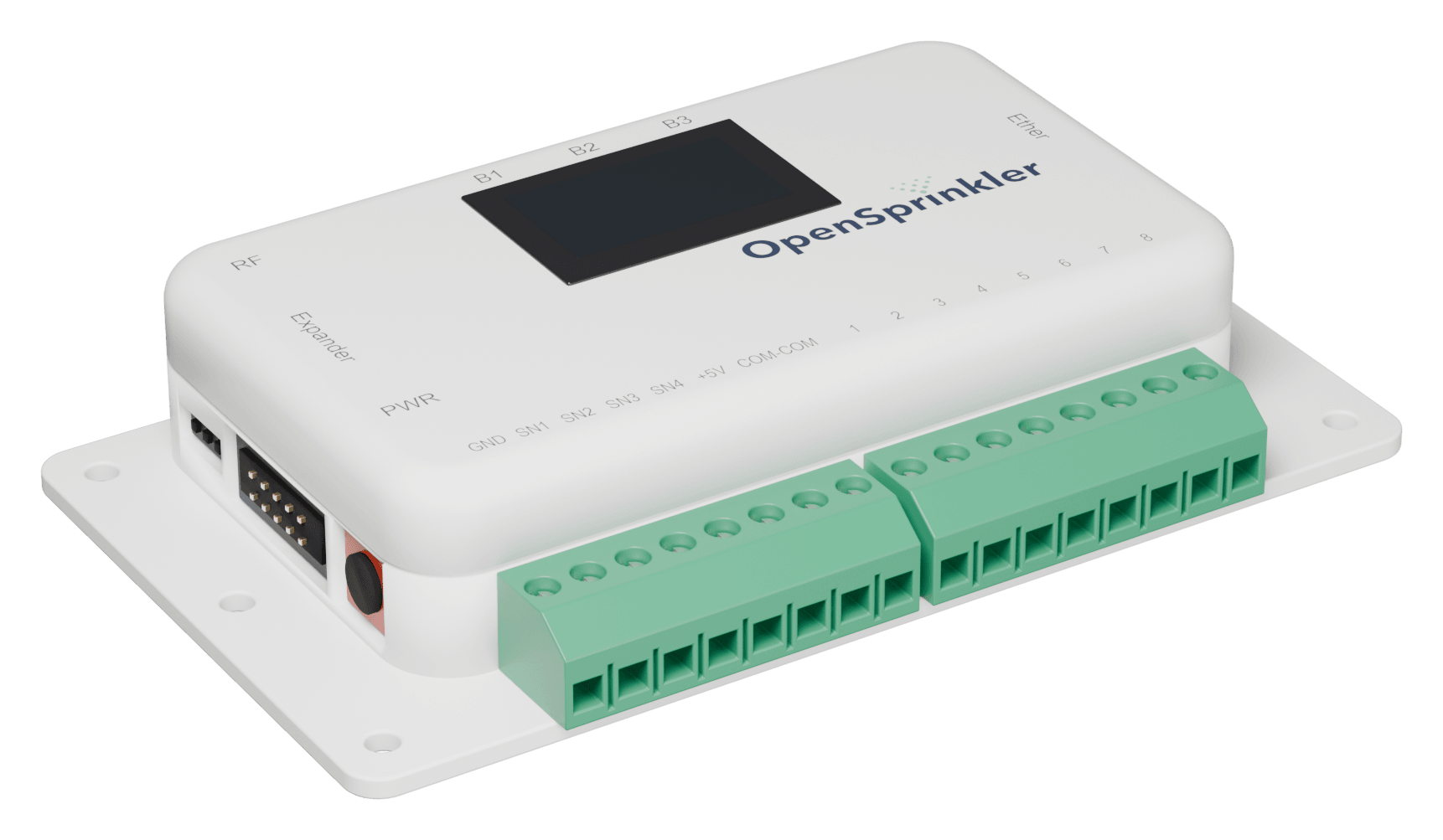
OpenSprinkler
Your 24 VAC valves on 8 zones, across several rooms if the wires reach. Feed mixing stays with your doser or tank.
What's next
Flow checks next. Then the Grow Node.
Flow confirmation
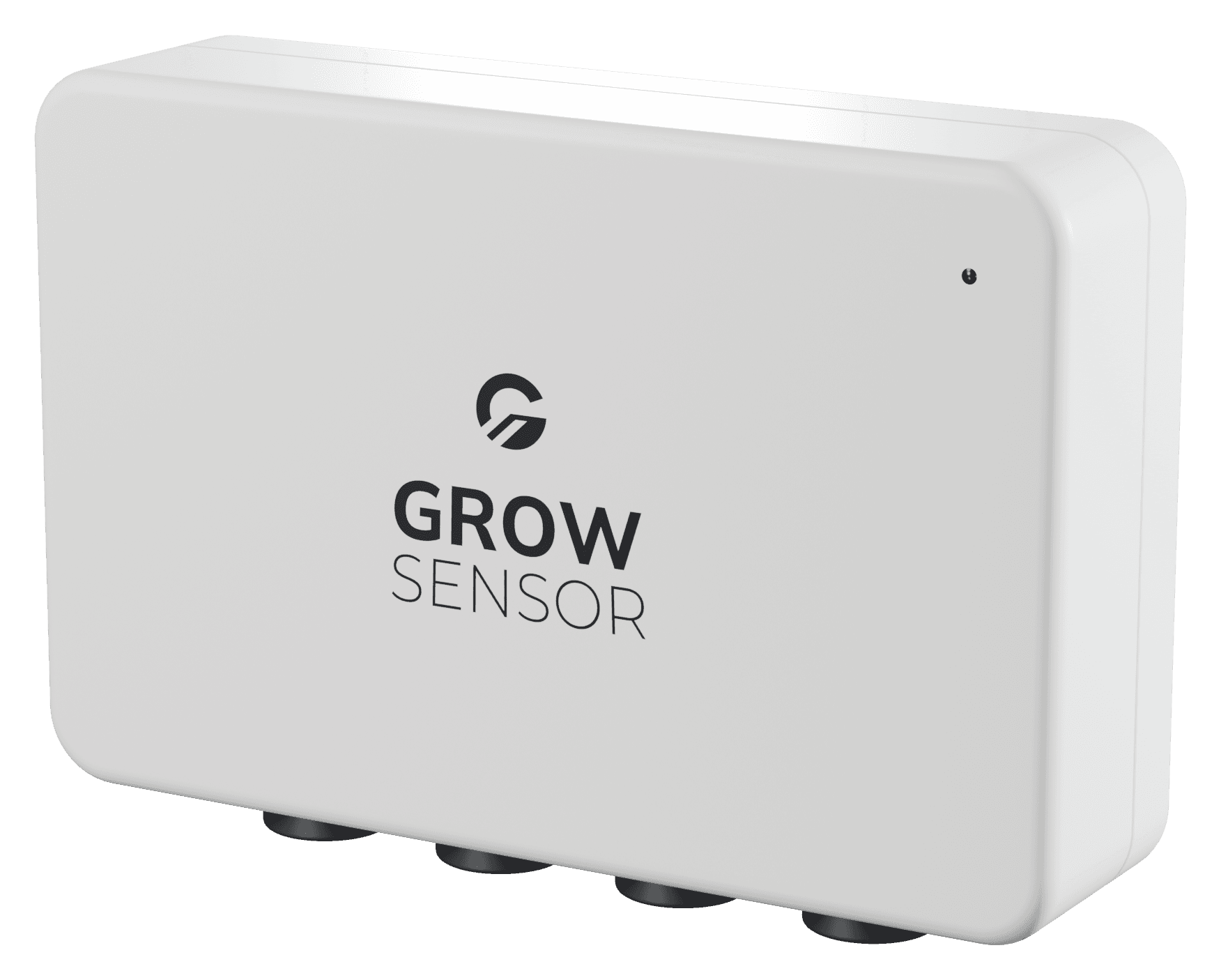
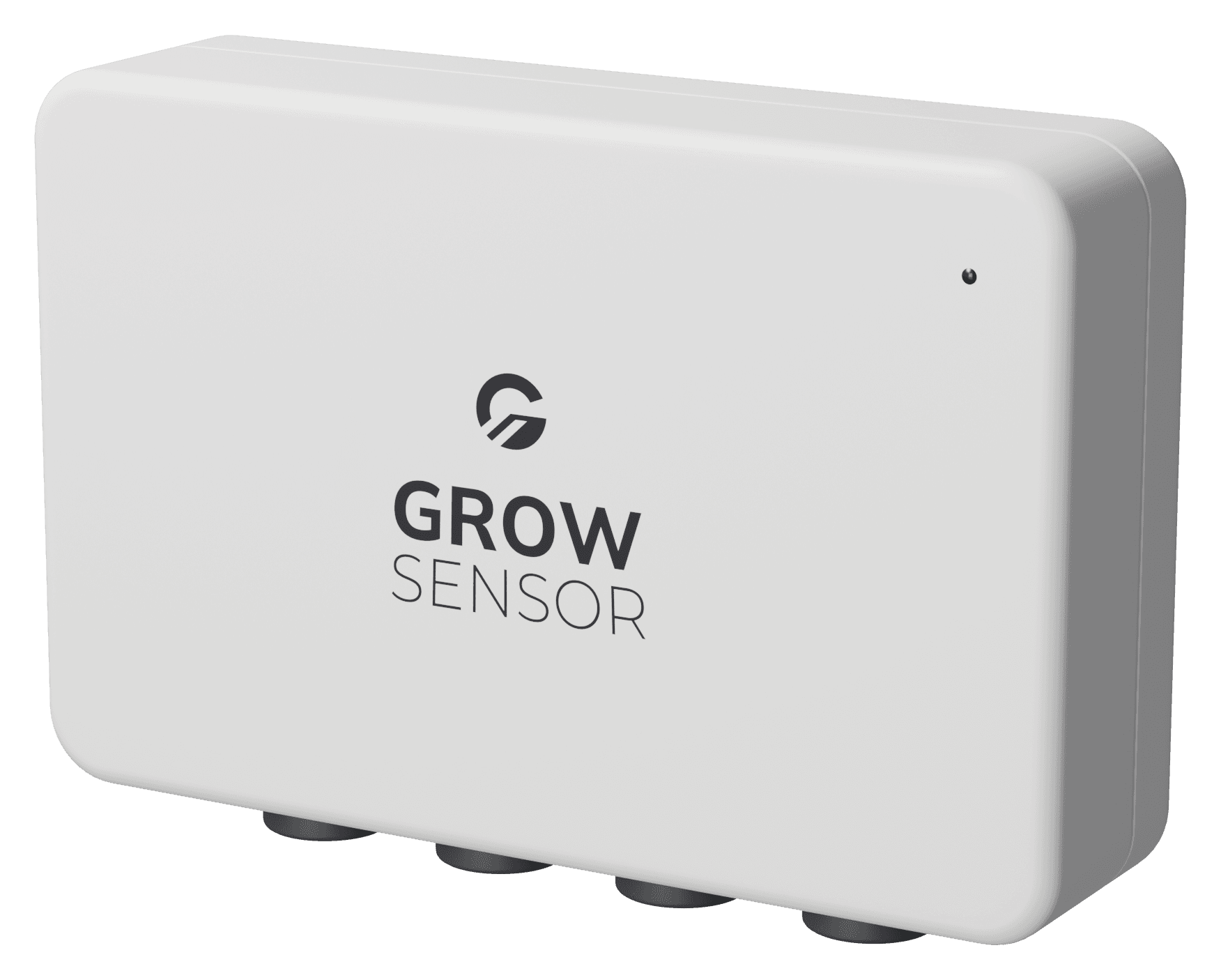
A flow sensor confirms water actually went out, on every shot.
Runoff flow
Runoff flow data comes in too, so the programme tunes the feed as well as the timing.
The controller
Eight zones. Up to 72.
The current AC-powered OpenSprinkler, for 24 VAC solenoid valves. Open-source hardware and firmware.
Zones and valves
- Zones
- 8, up to 72 with expanders
- Valves
- 24 VAC solenoid
- Pump or master valve
- Supported
- Power
- 24 VAC transformer
Sensors
- Sensor ports
- 4, digital or analog
- Rain and flow sensors
- Supported
- More inputs
- Sensor Expander, 16 analog
Connection
- Wi-Fi
- Wi-Fi 6, 2.4 GHz
- Wired
- Ethernet module, optional
- Grow
- Grow Plus and GrowOps
- Its own app
- Web, iOS and Android
Controller
- Model
- OpenSprinkler v4.0 AC
- Processor
- ESP32-C6
- Display
- OLED, three buttons
- Firmware
- Open source
FAQ
Before you order.
Register interest
Be first to steer with it.
It's in the shop very soon. Tell us about your rooms and we'll send the price and the day it lands.